
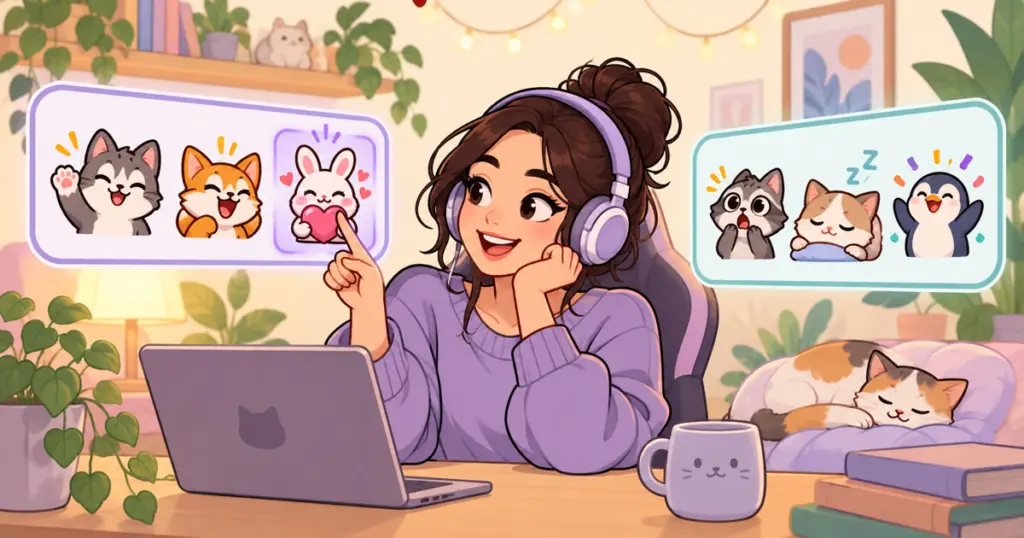
Before buying a Twitch emote pack, look for reactions that fit your chat, files you can upload, and clear information about what the purchase includes. The number of images in the preview matters less than whether you can pick out a few you would use on your next stream.
A pack can look lovely on a shop page and still be the wrong fit. Perhaps it has plenty of angry reactions for a channel that rarely gets competitive, or you expected animated emotes and the download contains only static images. A few checks before checkout can help you avoid buying twice.
Start with your chat, then browse the artwork
Think about your last stream. What did viewers keep saying? Maybe they welcomed newcomers, laughed at a running joke, or settled in to watch while doing something else. Those moments give you a better shopping list than a particular animal or color alone.
If you are just starting out, use the kind of stream you plan to run. A quiet reading stream and a competitive multiplayer session may call for different reactions, even if both use cute artwork.
| What happens in your chat | Reactions to look for in a pack |
|---|---|
| People arrive and greet each other | A clear wave or hello |
| Viewers joke about mistakes | Laughter, embarrassment, or a playful facepalm |
| Everyone waits for a difficult attempt | Anticipation, surprise, or celebration |
| People watch quietly in the background | Lurk, a relaxed expression, or a sip |
| Members share kind messages | A heart, hug, or thank-you reaction |
You do not need one from every row. Choose the situations you recognize, then see whether a pack covers them. If you already have a well-used greeting, your next purchase might be better spent on reactions you are missing.
Check the files and delivery details
A preview shows the artwork; the description should explain what you receive. Before checkout, confirm:
- Supported platforms: If you also run a Discord server or a Kick channel, check whether the included files cover those destinations.
- Ready-to-use files: Does the seller provide individual emote images, rather than only a preview sheet or an editable template?
- Background: If you want the artwork to sit directly against chat, look for files described as having transparent backgrounds.
- Delivery: Is this a finished download, a personalized version, or a commission with a waiting period?
For anything unclear, ask the seller a specific question before buying: “Does this download include separate static files for both Twitch and Discord?” is easier to answer than “Will these work?”
Choose a style you want to keep using
A pack does not have to match every color in your overlay. It should feel comfortable alongside the tone of your stream. Look through the whole selection, including the less cheerful expressions, rather than choosing from the cover image alone.
For examples of different themes, Pinicon’s emote collection includes character and seasonal packs. Compare the expressions you would use within each theme, not just which cover catches your eye.
Make the final choice with a short list
For each pack you are considering, write down the reactions you would upload first, the platforms you need, and anything the description has not answered. A pack with suitable expressions and clear delivery details is easier to evaluate than one you are buying mostly for a large file count.
Once you have downloaded your choice, use the guide to adding emotes to Twitch, Discord, and Kick to select the right files and get them into chat.